
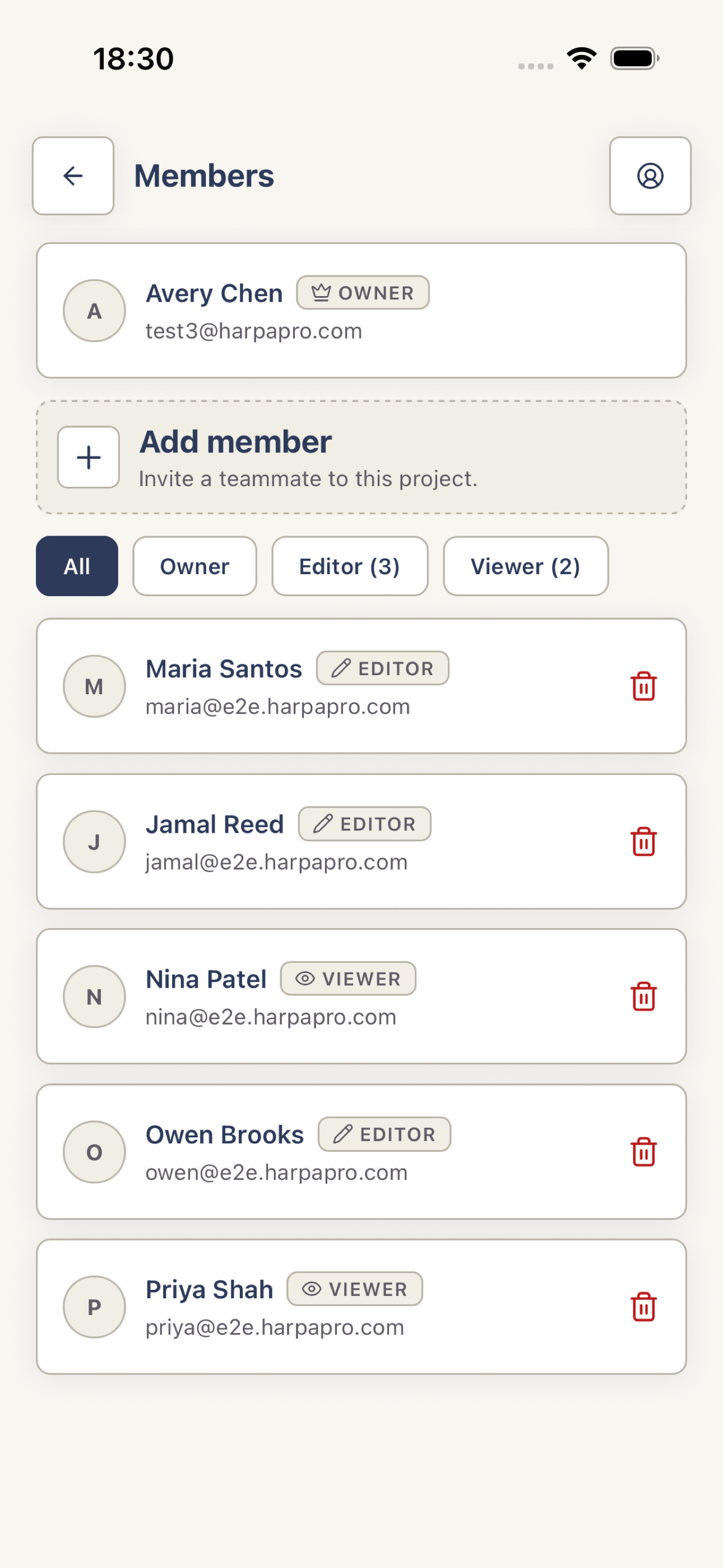
Open Members
Open the project and tap Members. Only the project Owner can add or remove members.
 View full screenshot
 Add a registered teammate
Tap Add member, enter the email for an existing Harpa Pro account, choose Editor or Viewer, then tap Send invite. Despite that button label, Harpa Pro adds the existing account immediately; it does not email an invitation or create an account for an unknown address.
Choose the right access
Editor can change project content and draft reports. Viewer reads project content without changing it. Existing Owners control membership, project deletion, and report finalization. A project can have more than one Owner, but the mobile add-member form cannot assign that role. Every member can read and add comments in a finalized report’s Review tab.