
Enter your email
Open Harpa Pro and enter the email address you use for the app. Tap Send Code.
Verify the code
Enter the one-time code from the Harpa Pro email. Verifying a first-time email creates the account; there is no separate password or registration form.
Start the first project
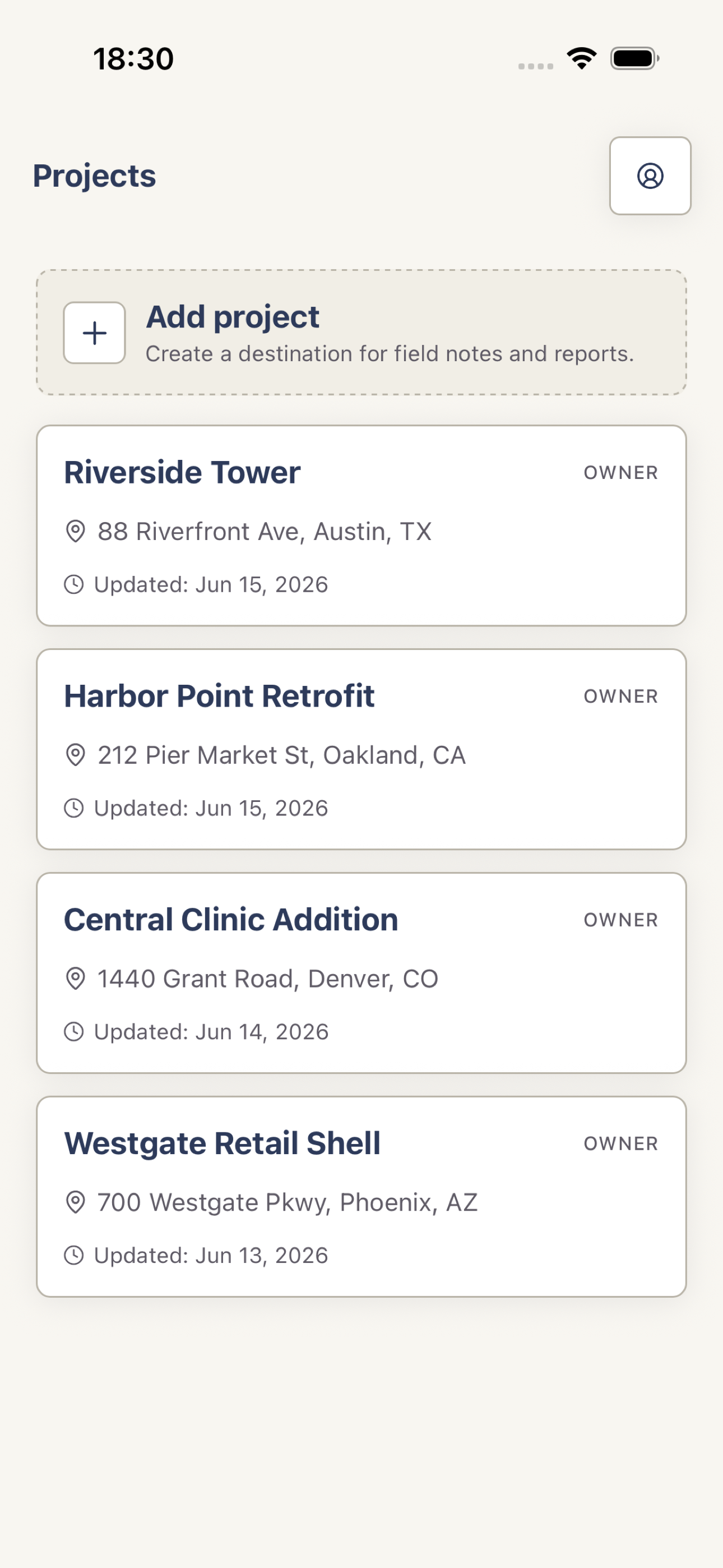
Tap Add project, enter its details, and create it. Open Reports, tap New report, and begin a draft.
 View full screenshot
 Next, follow Generate an AI report or learn how to create and manage projects.