
Open your profile
From Projects, open the profile action. Tap the user card to review or edit your name and company details.
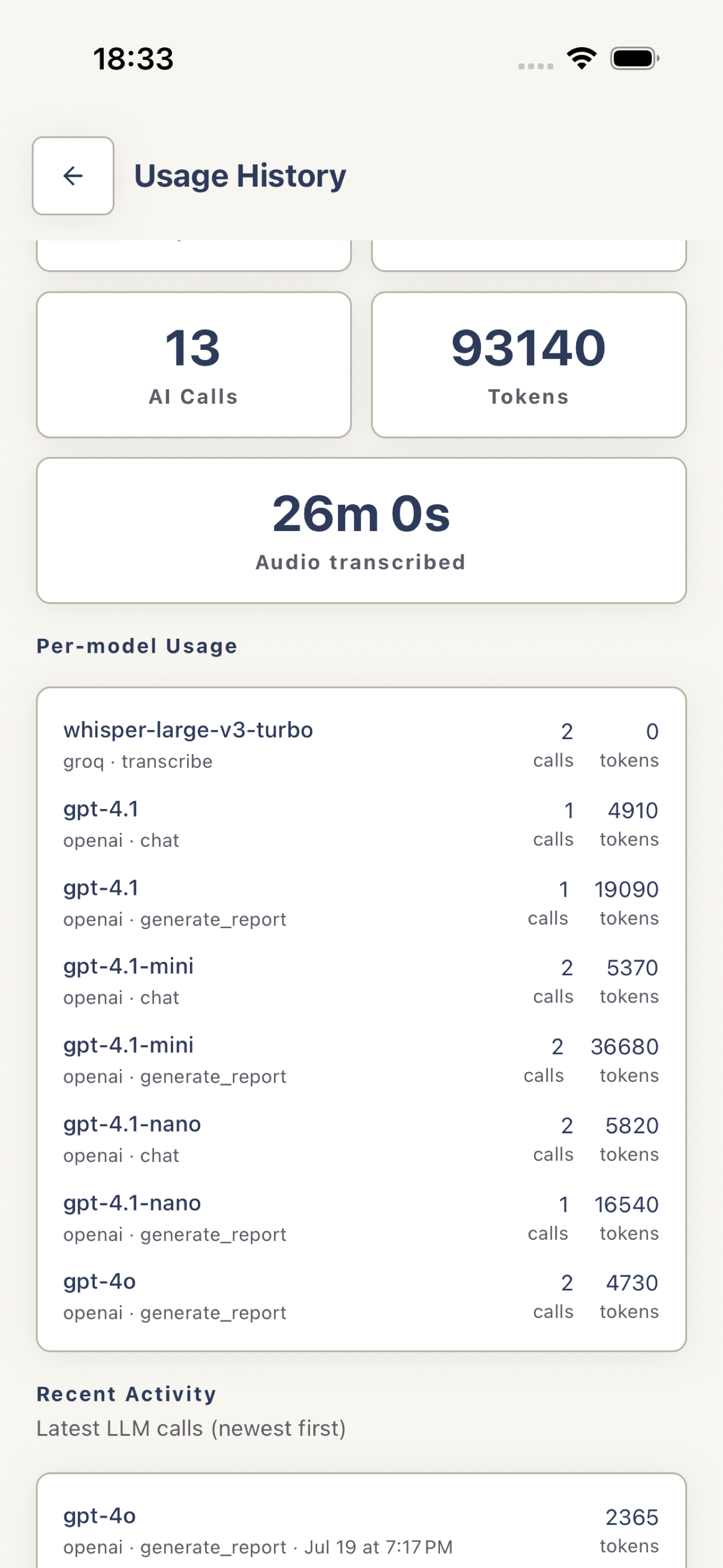
Review usage
Tap Usage This Month to see the limits, current totals, recent AI activity, and reset timing available for the account.
 View full screenshot
 Clear local data or sign out
Use Clear cached data if an open screen remains stale after refreshing. This does not delete server records. Use Sign Out to remove the active session from the device.
Request account deletion
Open Account Details, tap Delete account, review the preview, and confirm with your account email. If you cannot access the app, use the account-deletion page.
For privacy or account help, email [email protected].