
Create a project
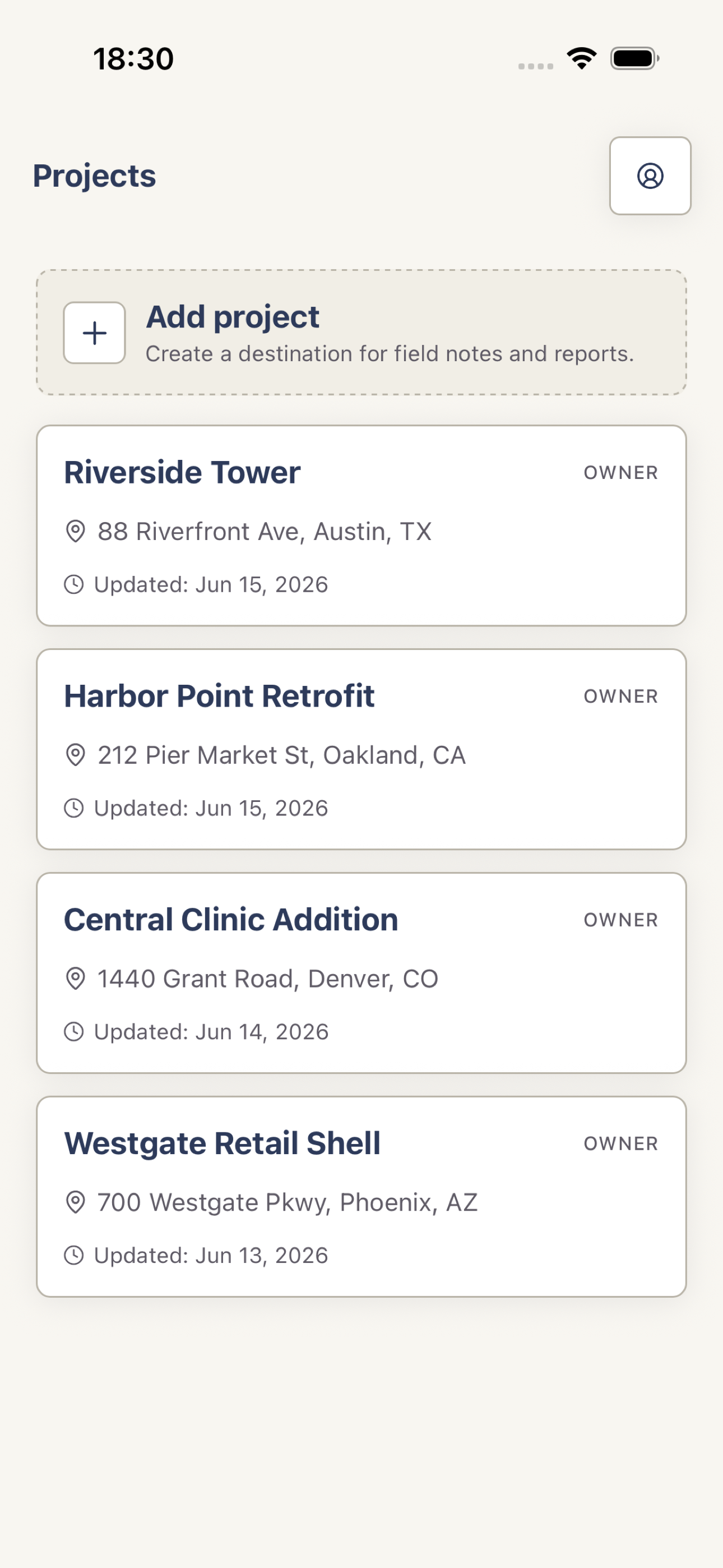
On Projects, tap Add project. Enter a project name, add an address or client when useful, then tap Create project.
Open the project
Tap a project row to open its overview. From there you can open Reports, Members, and project details.
 View full screenshot
 Edit the details
On the project overview, tap the pencil action. Change the project fields and tap Save changes. Owners and Editors can edit; Viewers are read-only.
Delete only when intended
Owners can open Edit project, tap Delete project, and confirm the warning. Deletion is permanent, so export any records you must keep first.